How to Check Your Own Roshan Number, IMEI and SIM Details
It happens to almost everyone at some point. You buy a new SIM, someone asks for your number, and your mind goes blank. Or you need your IMEI to register a device, insure a phone, or report a handset lost. The good news is that finding your own Roshan number and your phone's key details takes only a few seconds once you know where to look. This guide covers every reliable method for 2026, on both Android and iPhone, plus what to do when the usual tricks fail.
The fastest way to find your Roshan number
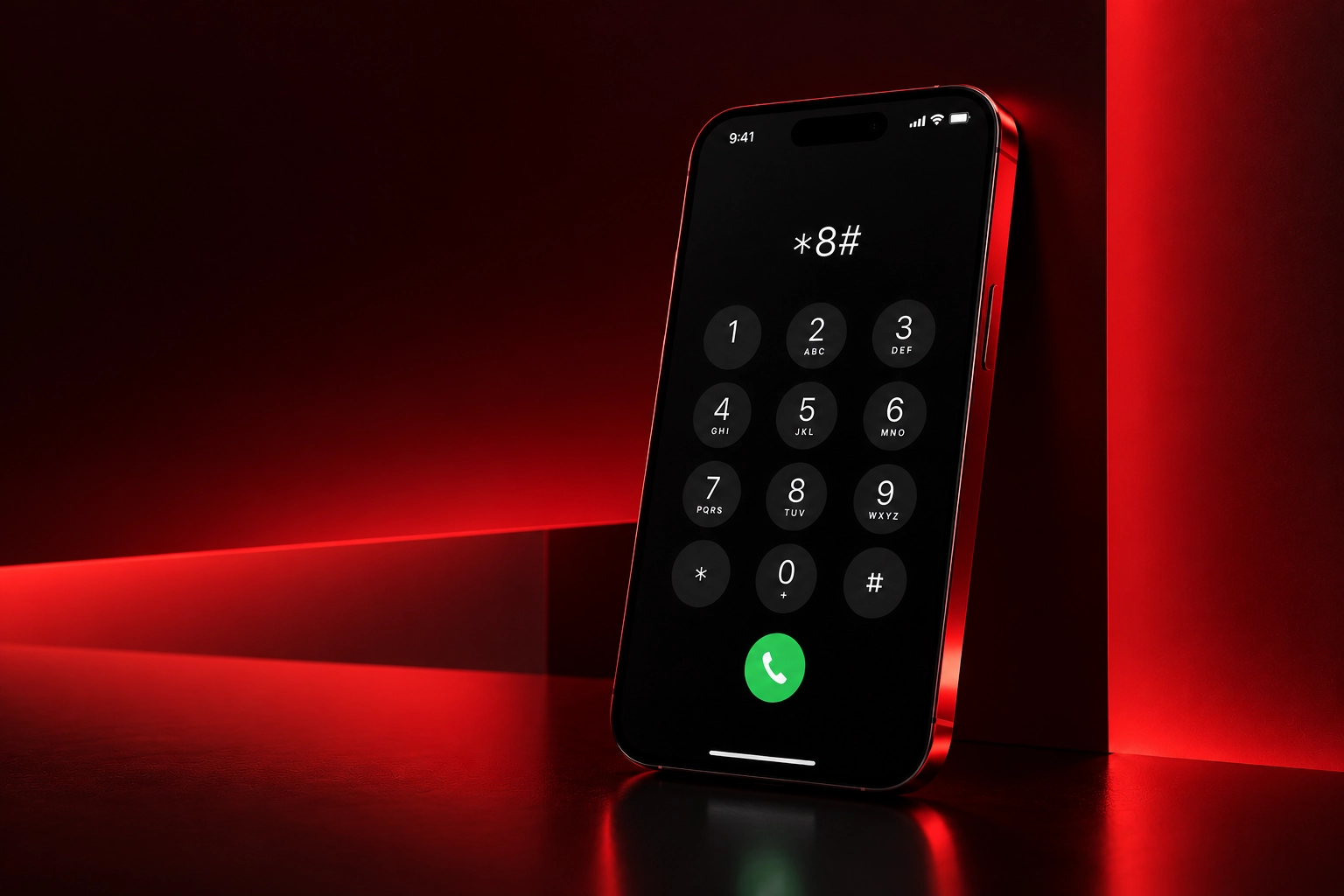
The quickest method on any phone, from a basic handset to the newest smartphone, is a short USSD string dialed straight from the keypad. Roshan, like every operator, publishes a self-service code that instantly displays your own number on screen at no cost. Because these codes are updated from time to time, the current list is best confirmed in our USSD and My Roshan app, which keeps the working shortcuts in one place.
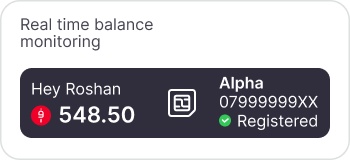
If USSD is not your preference, the My Roshan app shows your number the moment you log in, along with your balance and active bundles. It is worth installing for that reason alone, since it removes the need to memorize any codes at all.
Finding your number in your phone settings
Both Android and iPhone store your number in the settings menu, although it only appears there if it was written to the SIM correctly during activation. It is a useful backup method when you cannot dial out.
● On Android, open Settings, then About phone or Status, and look for SIM status or My phone number.
● On iPhone, open Settings, tap Phone, and your number is listed at the top under My Number. You can also see it under Settings, then General, then About.
If the field is blank, it simply means the number was not saved to the SIM, which is common and not a fault. In that case the USSD method above is the reliable fallback.
How to check your IMEI
Your IMEI is a unique 15-digit identity number for the phone itself, not the SIM. You need it to register a device, verify a handset before buying it second-hand, or report a phone stolen so it can be blocked. There is one universal way to see it that works on every phone regardless of brand.
● Dial the standard IMEI code on your keypad and the number appears immediately on screen.
● You will also find it printed on the original box and, on many phones, under Settings in the About or Status section.
● Dual-SIM phones show two IMEI numbers, one for each SIM slot, which is normal.
Viewing your SIM and account details
Beyond your number and IMEI, you may occasionally need other SIM details such as your current balance, the bundles active on your line, or your registration status. The My Roshan app gathers all of this on one screen, which is why it is the single most convenient tool for managing a line. From the same place you can also top up and buy a plan from our internet packages guide without hunting for a scratch card.
For anything tied to your registered identity, such as confirming the name a SIM is registered under, a quick visit to a service center with your ID document is the most direct route, and you can locate the nearest one through the Roshan store finder.
What to do if nothing works
Occasionally a SIM will not return its number through any method, usually because it is newly activated, damaged, or not yet fully provisioned on the network. Before assuming a fault, try the simple resets first, since these clear the majority of temporary glitches.
● Restart your phone so it re-registers on the Roshan network.
● Remove and reseat the SIM to rule out a loose connection.
● Wait a short while after a brand-new activation, then try the USSD code again.
If the problem persists, the fastest resolution is to reach a human. You can explain the situation through Roshan customer support, who can verify your line and confirm your number against your registration.
Frequently asked questions
What is the quickest way to see my own Roshan number?
Dial the self-service USSD code from your keypad and your number appears instantly at no cost. The current code is listed in our USSD and My Roshan app guide.
Why is my number not showing in phone settings?
The settings field only displays your number if it was written to the SIM during activation. A blank field is common and not a fault, so use the USSD code instead.
How do I find my IMEI number?
Dial the standard IMEI code on your keypad, or check the original box and your phone's About or Status screen. Dual-SIM phones show two IMEI numbers, which is normal.
Can I see my number and balance in one place?
Yes. The My Roshan app shows your number, balance, and active bundles on a single screen and lets you top up directly.
My SIM will not show my number by any method. What now?
Restart the phone, reseat the SIM, and wait a little if it is newly activated. If it still fails, contact Roshan support to verify your line.